How to enter the license information#
Article created 2021-10-05 by adiscon team
This article describes how to enter the license information you received when buying one of our products.
The Article is applicable to EventReporter, MonitorWare Agent, WinSyslog and rsyslog WindowsAgent.
The license screen can be found on the left side of the client under the item
General. Applying the license is very straightforward with only a few steps.
For current product versions, Adiscon provides a license.alic file.
Under General - on the left side of the Configuration Client - you will find the menu entry: License.
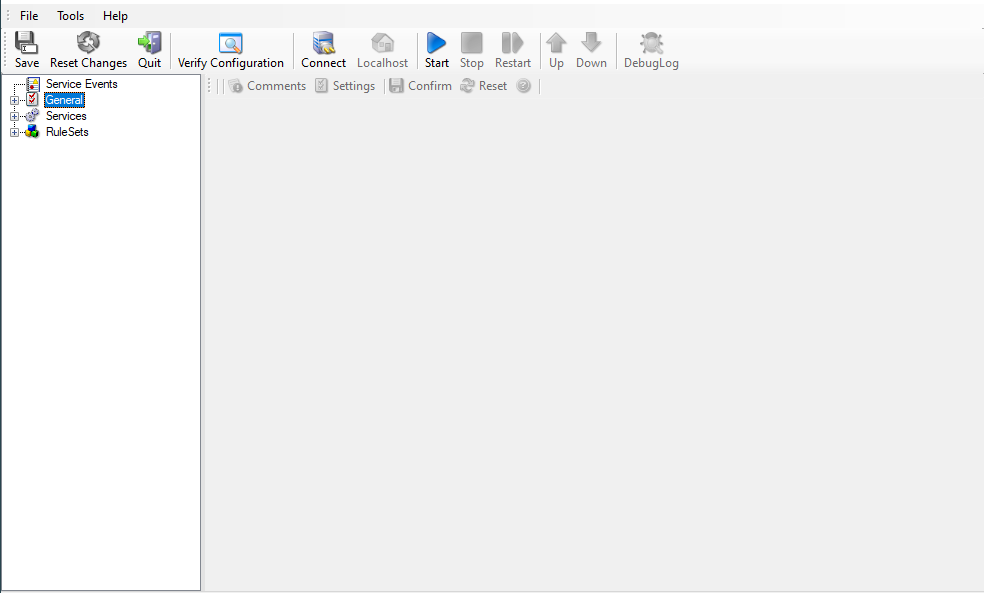
If you click on it, you will find the license screen on the right. In current
product versions, use the license page to apply license.alic.
Browse for the file, drag-and-drop it onto the client, or paste the file path. Use Verify License to check the selected file.
Save the configuration and restart the service.
This is all that will be required to apply the license.