License#
Licensing options are on General -> License in the configuration client.
Current builds use a license.alic license file.
License File#
Use this page to apply license.alic.
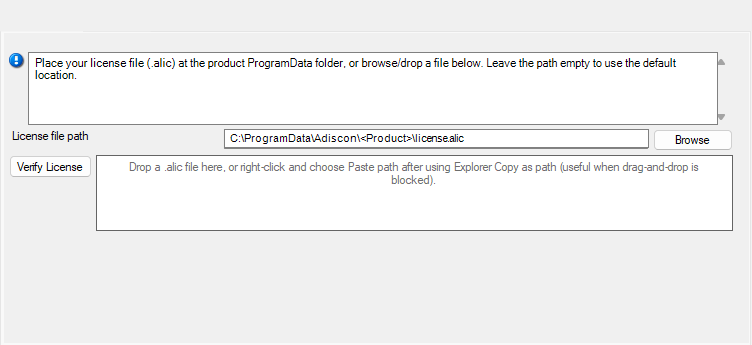
- File Configuration field:
szLicenseV2Path
- Description:
Optional path to the license file. When empty, the service uses the default location:
%ProgramData%\\Adiscon\\EventReporter\\license.alicYou can browse for the file, drag-and-drop it onto the client, or paste a file path. The license is validated and applied when you save the configuration.
The main window status bar shows license status (for example, the licensed organization). A version mismatch between the license file and the installed service may show a warning banner until you apply a matching license.
Verify License#
Use this control to verify that the configured license is valid before or after you save.